

需求是这样的,在一个叫 Task 的 DocType 中,要求:
1)当 Matter 字段为空时,Type 字段自动选中 “New”;
2)当用户手动选择 Matter 后,Type 字段自动选中 “Processed”。
如果什么都不做,初始效果是这样的:
可见,Type 字段没有发生任何变化。
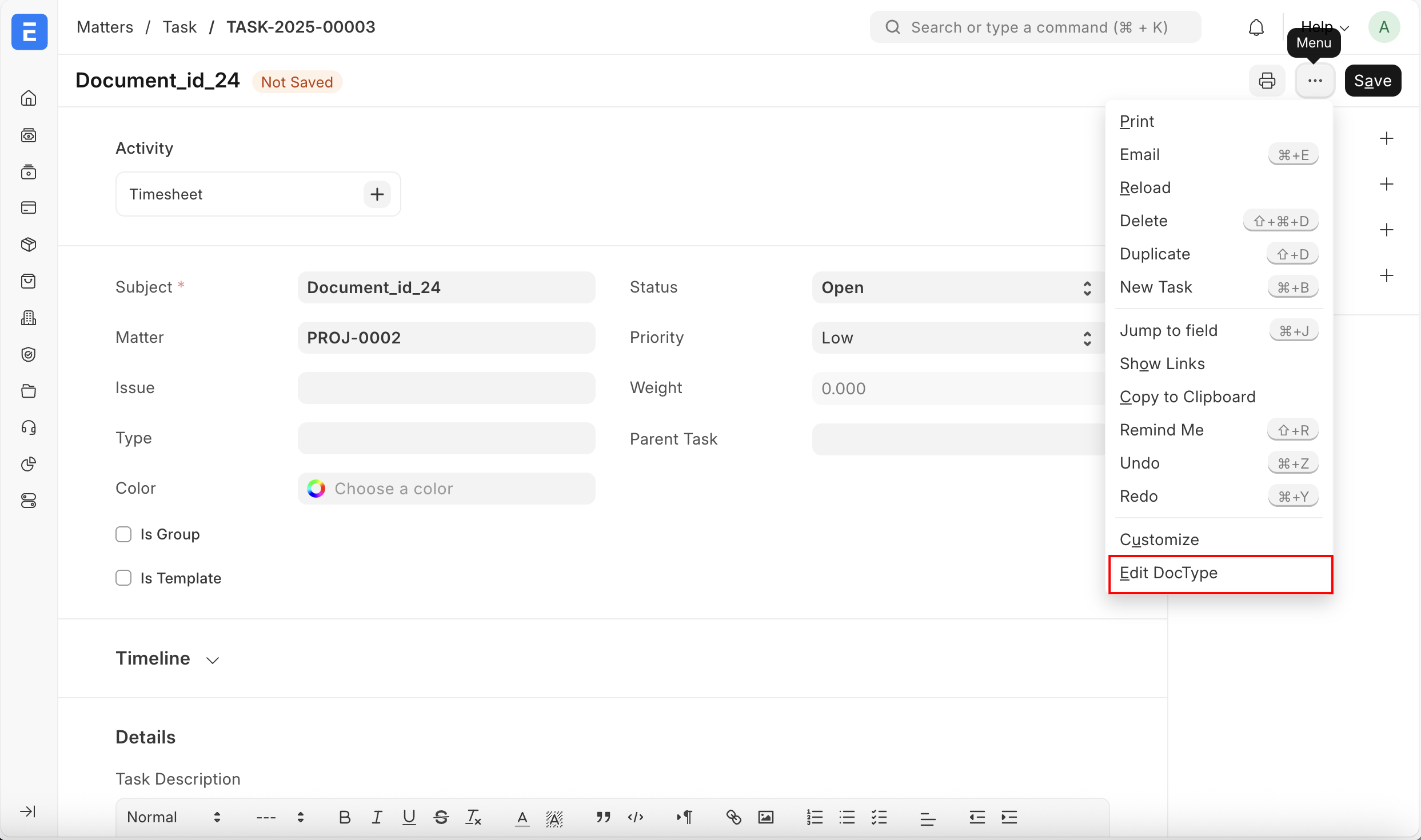
要实现这个需求,首先需要选中 [Menu -> Edit DocType -> Connections -> Client Script]
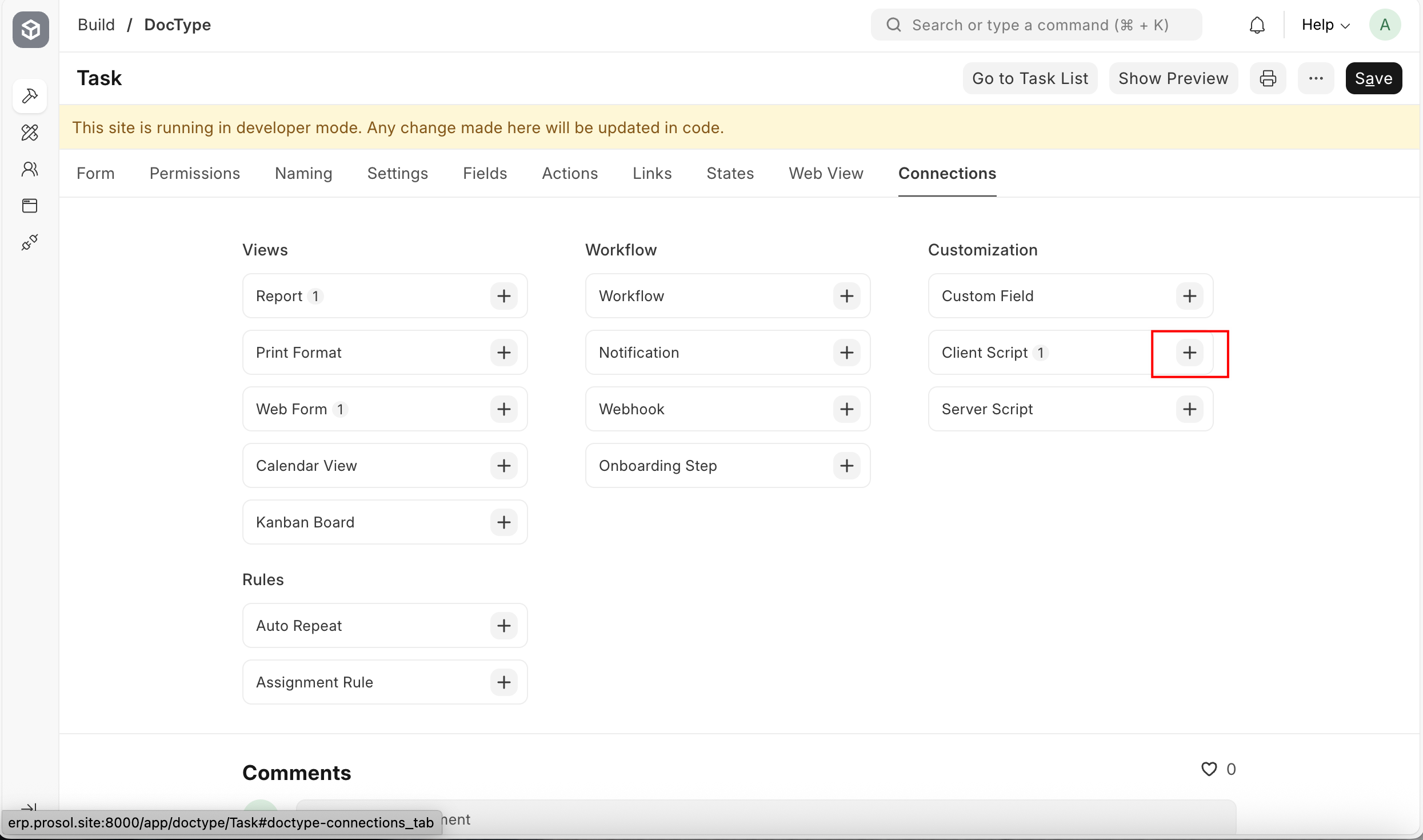
然后,在 Script 字段中输入 js 逻辑
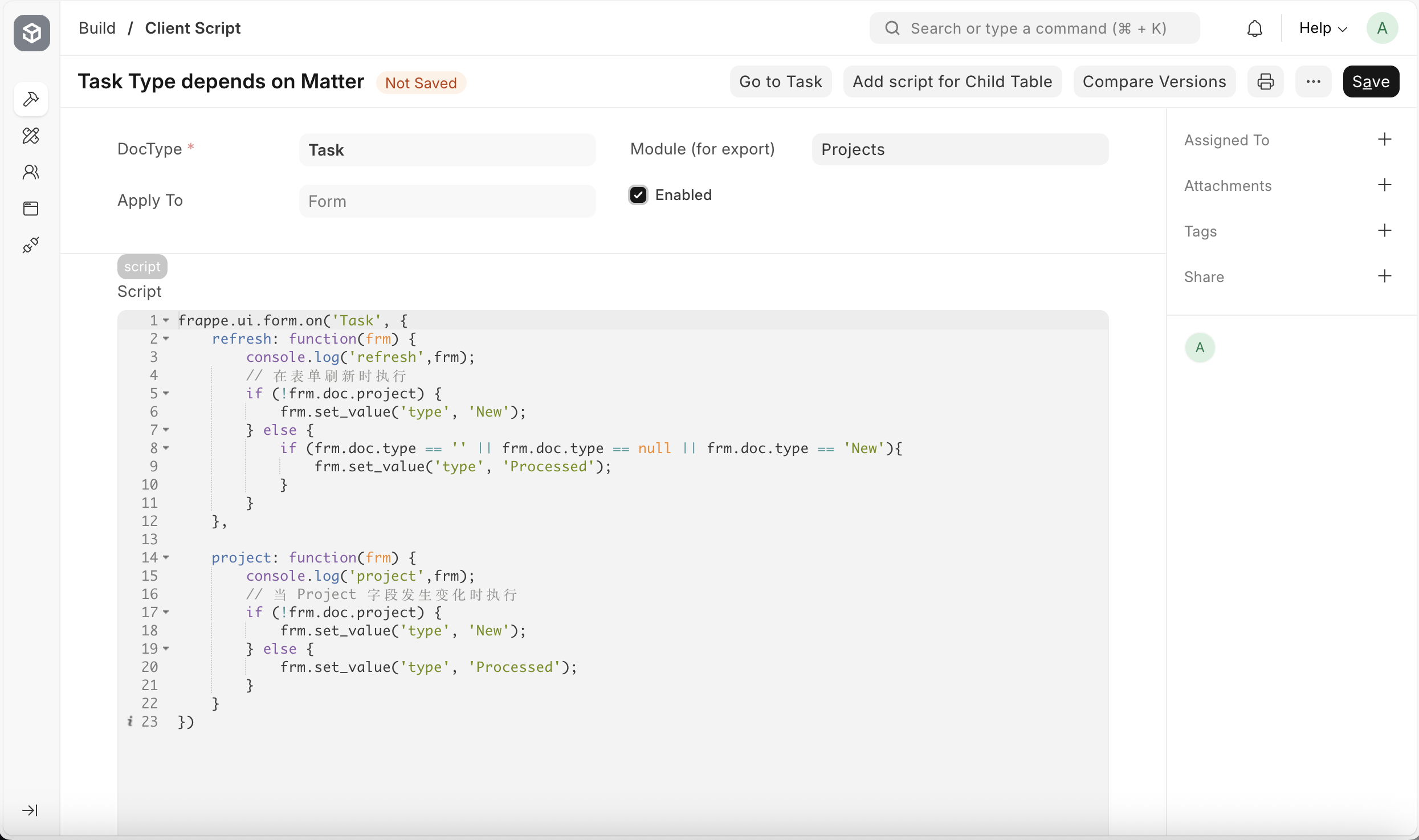
javascript
frappe.ui.form.on('Task', {
	refresh: function(frm) {
	    console.log('refresh',frm);
        // 在表单刷新时执行
        if (!frm.doc.project) {
            frm.set_value('type', 'New');
        } else {
            if (frm.doc.type == '' || frm.doc.type == null || frm.doc.type == 'New'){
                frm.set_value('type', 'Processed');
            }
        }
    },

    project: function(frm) {
        console.log('project',frm);
        // 当 Project 字段发生变化时执行
        if (!frm.doc.project) {
            frm.set_value('type', 'New');
        } else {
            frm.set_value('type', 'Processed');
        }
    }
})
最后,实现需求效果如下: